 Tech
Tech
How to Ease Eye Strain From Excessive Screen Time
I was hunched over my desk last Tuesday, trying to troubleshoot a stubborn circuit board on an old Juno-60, when I realized I couldn’t actually see the solder joints anymore. My eyes weren’t just tired; they felt like they were being rubbed with sandpaper. It’s that familiar, dull ache that hits right when you’re in the middle of a flow state, making you wonder if you’ll ever be able to look at a monitor without a headache again. Most people will tell you that you need a $500 pair of blue-light glasses or a specialized ergonomic workstation to fix it, but honestly? That’s just expensive noise. Learning how to reduce eye strain from screens shouldn’t require a massive budget or a lifestyle overhaul; it just requires a few practical adjustments to how you actually interact with your tech.
I’m not here to sell you on any “miracle” gadgets or complicated wellness retreats. Instead, I’m going to give you the exact, stripped-down steps I use to keep my vision sharp while I’m managing projects or tinkering with gear. We’re going to focus on low-effort, high-impact tweaks—things like lighting, distance, and simple habits—that you can implement in under five minutes. My goal is to help you stop squinting and get back to your life, without the extra hassle.
Table of Contents
Master the 20 20 20 Rule for Eye Health Without the Hassle
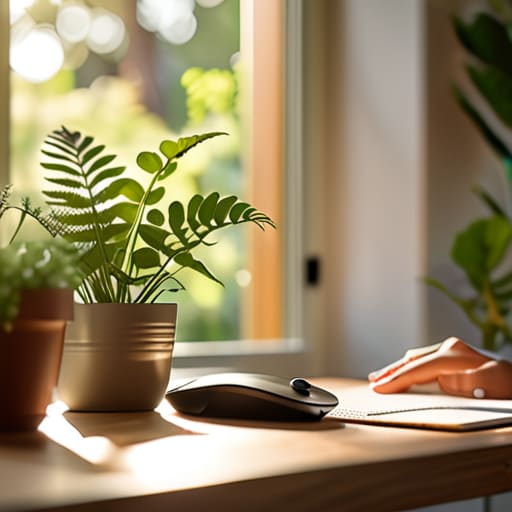
If you’ve ever felt that heavy, gritty sensation in your eyelids after a long afternoon of project planning, you’re likely dealing with some classic computer vision syndrome symptoms. One of the easiest ways to fight this is the 20-20-20 rule for eye health. The concept is dead simple: every 20 minutes, look at something at least 20 feet away for at least 20 seconds. It sounds almost too basic to work, but it forces your eye muscles to actually relax instead of staying locked in a fixed focal distance all day.
The real trick isn’t knowing the rule; it’s actually remembering to do it when you’re deep in a flow state. I started using a tiny, low-profile timer on my desktop—not a loud alarm, just a subtle visual cue—to remind me to blink and look away. This is also one of the most effective ways of preventing dry eyes from digital devices, because we tend to stop blinking when we’re staring intensely at a monitor. Just a quick glance out the window is enough to reset your focus so you can keep working without that constant, dull ache.
Fix Your Ergonomic Workstation Setup for Instant Relief
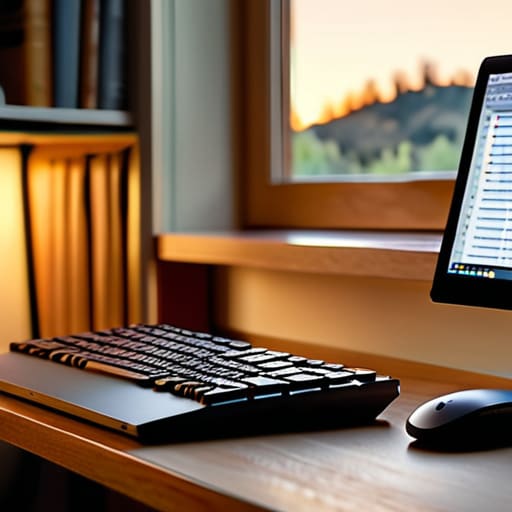
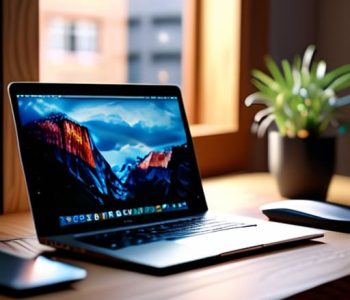
Look, you don’t need to spend a fortune on a high-end designer chair to make a difference. Most of the time, the tension I feel in my neck and eyes comes from a bad ergonomic workstation setup that I just stopped noticing. Start by checking your monitor height; the top third of your screen should be at eye level so you aren’t constantly tilting your head up or down. If you’re working on a laptop, grab a cheap stand or even a stack of sturdy books to lift it up. Pair this with an external keyboard and mouse so your shoulders can actually relax instead of hunching toward the desk.
Next, let’s talk about the light. If your screen looks like a glowing beacon in a dark room, you’re asking for trouble. Spend two minutes adjusting screen brightness and contrast so the monitor matches the ambient light in your room—it shouldn’t feel like you’re staring into a flashlight. While some people swear by the blue light blocking glasses benefits, I find that simply optimizing your environment does more to stop those nagging computer vision syndrome symptoms before they even start.
Five quick fixes to stop the squinting and start feeling better
- Dial in your brightness so it actually matches your room. If your screen looks like a glowing lightbox in a dark room, or a dim shadow in a bright one, your eyes are working overtime. Match the screen intensity to your ambient light and you’ll notice the difference immediately.
- Use a blue light filter or “Night Shift” mode during the evening hours. You don’t need some expensive, proprietary glasses to make this work; just toggle the setting built into your OS. It warms up the color temperature and makes the transition to sleep a lot less jarring.
- Clean your gear. I know it sounds trivial, but a layer of dust and oily fingerprints on your monitor forces your eyes to struggle with focus. Grab a microfiber cloth and give it a quick wipe down once a week—it’s a two-minute job that makes a massive impact on clarity.
- Increase your font size instead of leaning in. If you find yourself subconsciously creeping closer to the monitor to read an email, your settings are working against you. Bump up the scaling in your display settings so you can sit back comfortably and actually read without the neck strain.
- Check your glare situation. If you have a window directly behind you or a lamp reflecting off the glass, you’re fighting a constant battle of contrast. Reposition your desk or grab a cheap matte screen protector to kill those reflections so your eyes aren’t constantly adjusting to light spikes.
Quick wins for your eyes
Don’t underestimate the 20-20-20 rule; it’s the easiest way to give your eye muscles a much-needed break without needing any special equipment.
Small adjustments to your desk height and screen position make a massive difference in how much you’re squinting by the end of the day.
Focus on small, sustainable changes to your environment rather than buying expensive gadgets that you’ll probably just end up ignoring.
The reality of digital fatigue
“We treat our screens like they’re indestructible, but our eyes aren’t. You don’t need a high-tech eye clinic to find relief; you just need to stop treating your workspace like a marathon and start making small, functional adjustments that actually work.”
Julian Reese Miller
Protecting Your Vision
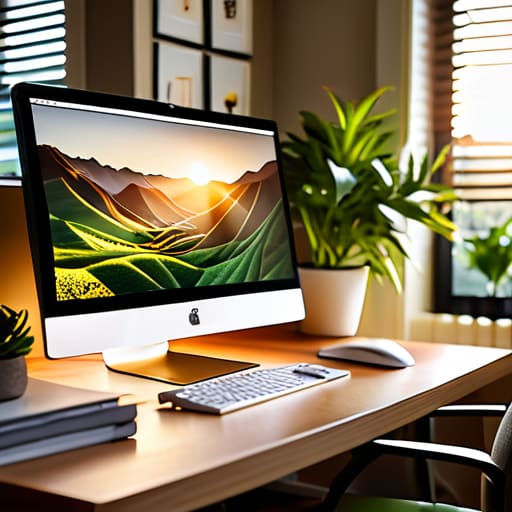
Look, we aren’t going to find a magic pill that makes staring at a monitor for eight hours a breeze, but these small adjustments make a massive difference. Between hitting that 20-20-20 rule to give your focus a break and actually adjusting your monitor height so you aren’t hunching like a gargoyle, you’ve already done the heavy lifting. It’s about removing those small, constant irritants—the glare, the squinting, the tension—so they stop draining your energy. You don’t need a high-tech office overhaul; you just need to apply these simple habits consistently to keep the headaches at bay.
At the end of the day, my goal isn’t to turn you into an ergonomics expert, it’s just to help you reclaim your focus. Your eyes are your most important tools for navigating the world, so don’t let a poorly placed screen wear them down. Treat these tips as a way to work smarter, not harder, so when you finally close your laptop for the evening, you actually feel ready to enjoy your life instead of just nursing a headache. Take care of your setup, and it’ll take care of you.
Frequently Asked Questions
Do blue light glasses actually work, or is it just marketing hype?
Honestly? It’s a bit of both. Most of the science suggests that the headaches and strain we feel aren’t actually caused by blue light itself, but by how we use our screens—blinking less and sitting too close. That said, if those glasses help you feel more comfortable or signal to your brain that it’s time to wind down, they aren’t a waste of money. Just don’t expect them to be a magic fix.
Should I be dimming my screen brightness or changing the color temperature first?
Honestly, start with the brightness. If your screen is glowing like a flashlight in a dark room, no amount of warm tones will save you from a headache. Match your monitor to the ambient light in your space; it should feel like a natural extension of the room, not a spotlight. Once that’s balanced, then dial in the color temperature to cut the blue light. It’s a two-step process, but brightness is your first line of defense.
Is it better to use a matte screen protector or just adjust my lighting to stop the glare?
Honestly, I’d try adjusting your lighting first. It’s free, it’s instant, and it doesn’t mess with your screen’s clarity. I’ve used matte protectors before, but they can make your display look a bit grainy or “fuzzy,” which actually ends up making your eyes work harder. Reorient your desk or grab a cheap lamp to kill the glare instead. If that fails, then consider the protector as a last resort.